 Kiln
KilnAgents, side by side
Each agent works in its own terminal. The sidebar shows which one needs you.
Learn more →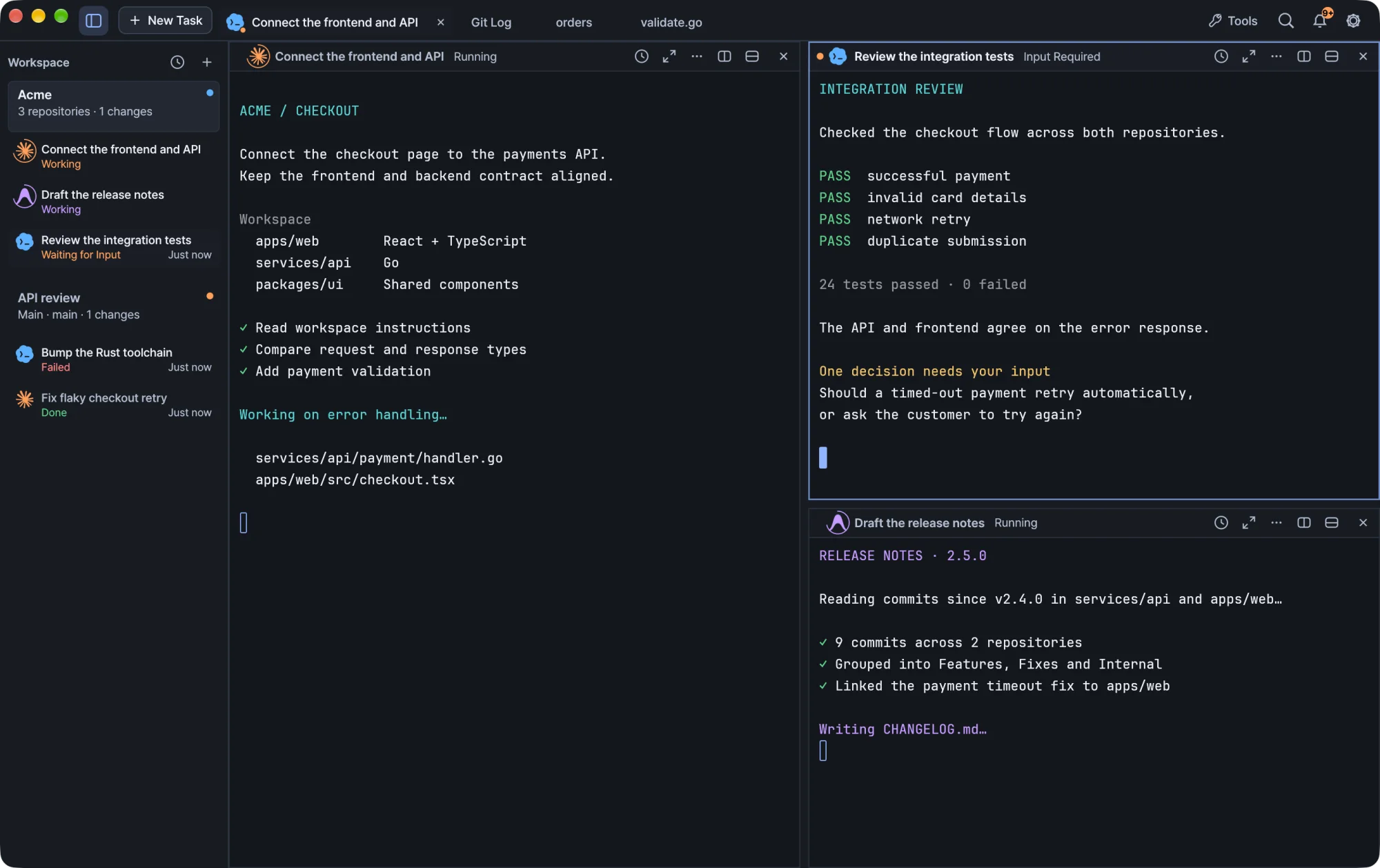
Claude Code, Codex and Antigravity in one workspace. Close the window; your sessions keep running.
Free · Open source · macOS & Windows
Works with Claude Code Codex Antigravity
Each agent works in its own terminal. The sidebar shows which one needs you.
Learn more →Browse history, squash commits and check diffs next to the work.
Learn more →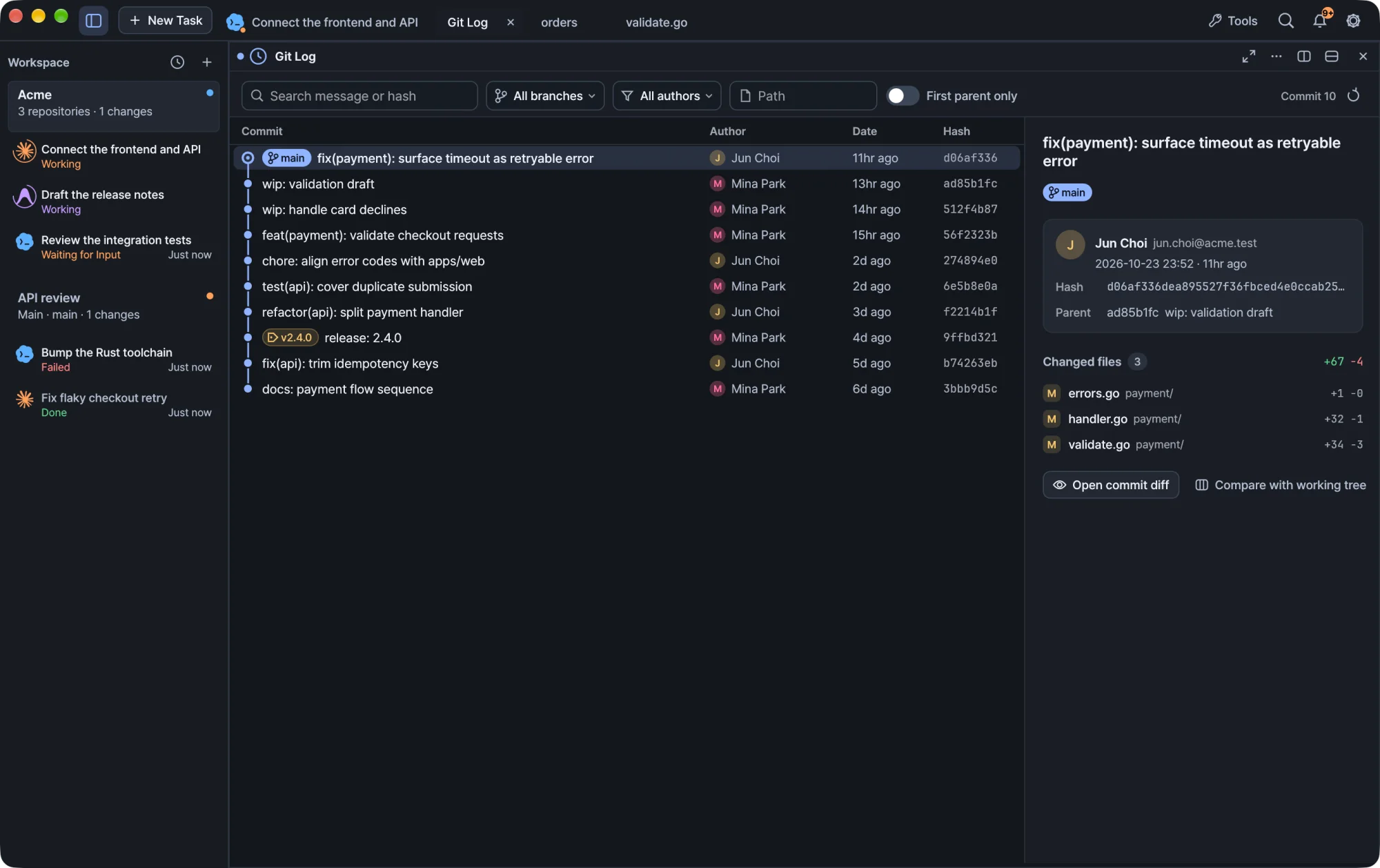
Free on macOS and Windows.
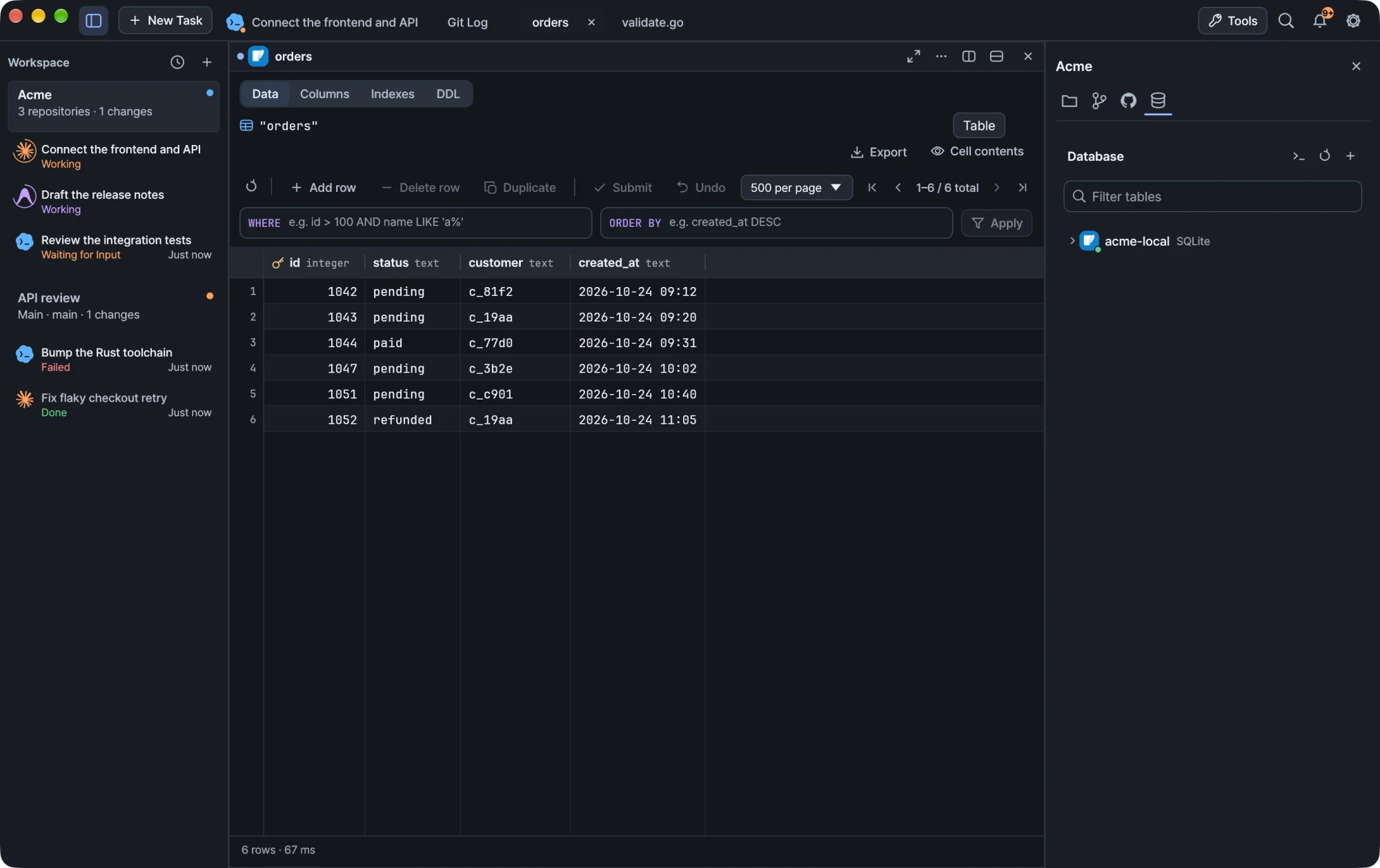
Kiln is a terminal-first AI IDE for developers who work with coding agents. Run your existing agent CLIs beside shells and development servers, then inspect files, Git changes and databases in the same native app.
Give Claude Code, Codex or Antigravity a task in its own terminal panel. Follow running and waiting states, then jump to the session that needs a decision.
Read the setup guide →A local daemon owns your sessions. Closing the GUI leaves those processes running; reopening Kiln restores your workspace. A reboot or an exited process still ends that running process.
Read the setup guide →Open a parent folder for frontend and backend repositories. Keep the shared task context while selecting the repository for each Git operation.
Read the setup guide →Kiln is an AI agent terminal and development workspace. Claude Code, Codex and Antigravity are separate CLI tools that you install and authenticate. Kiln does not include a model subscription.
It combines persistent terminal sessions, agent task states, a file editor, Git review and SQL tools in one workspace. You can still use your normal shell commands and existing agent accounts.
Yes. Run them in separate panels, track which task needs input and review their changes. Opt-in conversation linking also makes supported completed conversations available in the other CLI.
Kiln is free and open source under the MIT license. Downloads are available for Apple Silicon Macs and Windows x64 or ARM64. Check the installation guide for current requirements.